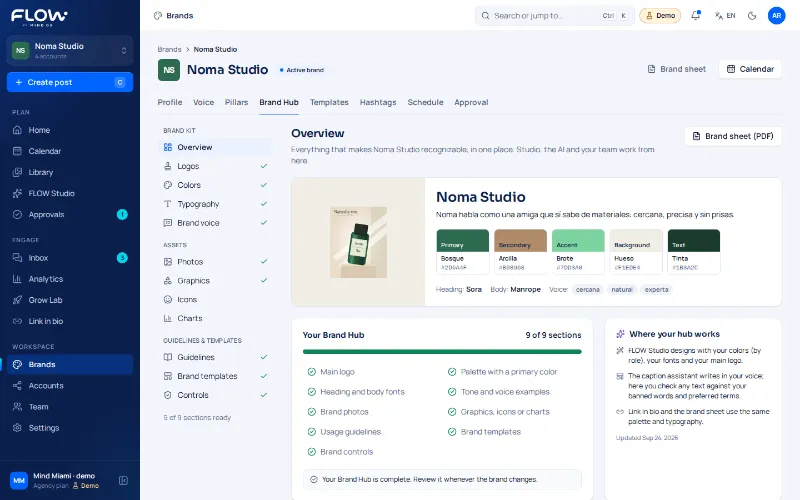
Demo 1 · Brief
Real FLOW screenshot
The brand comes before the post.
Each brand’s voice, palette, fonts and rules in one place, so whoever creates the content starts from the right context.


Product
From the active brand to the approved post: community managers see the rhythm, creatives the context and agencies the control. Every module tells you its status.
How to read the statuses
Three things you can do right now in the interactive demo, no signup.
Each demo says what it is: a real FLOW screenshot with sample data, or an example built with the interface’s real text and fictional data.
Demo 1 · Brief
Real FLOW screenshot
Each brand’s voice, palette, fonts and rules in one place, so whoever creates the content starts from the right context.
Demo 2 · Publishing
Example with fictional data
Pick when it goes out, in the brand’s time zone. “Planned” means it has a date; “Published”, that the network confirmed it. Instagram is proven with a real post (29 Sep 2026); other networks, coming soon.
Example with fictional data of the planning screen: an approved Noma Studio post with three options for when it goes out (on its date, in the next free slot or another date and time), the brand’s time zone and the statuses Draft, In review and Approved already done, Planned as the current status, and Scheduled and Published still to come. Planned means it has a date but no network has received it; Published means the network confirmed it. Instagram is proven with a real post on 29 September 2026; other networks, coming soon.
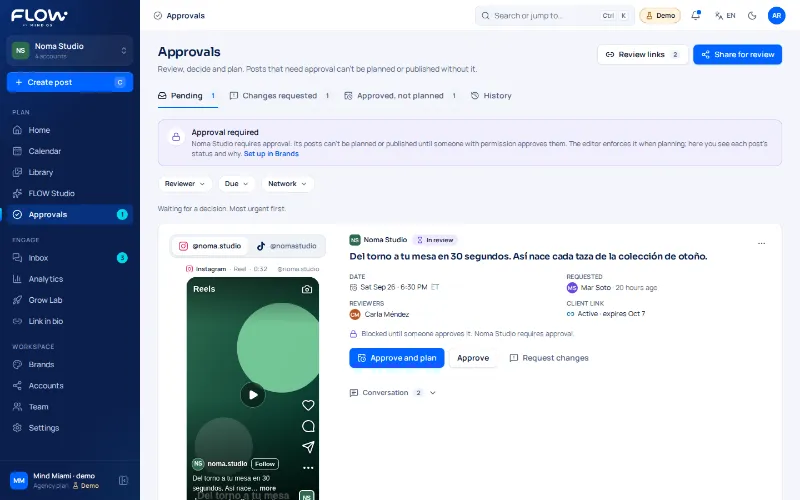
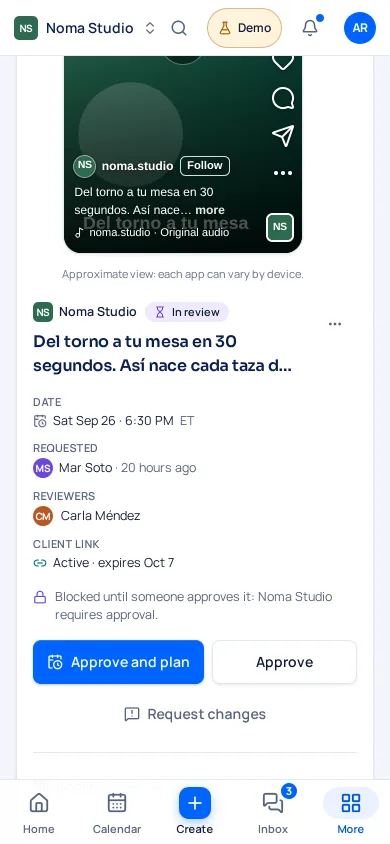
Demo 3 · Review
Real FLOW screenshot
Reviewers see one version, approve or request changes, and the decision is recorded with who and when. Approving doesn’t publish.
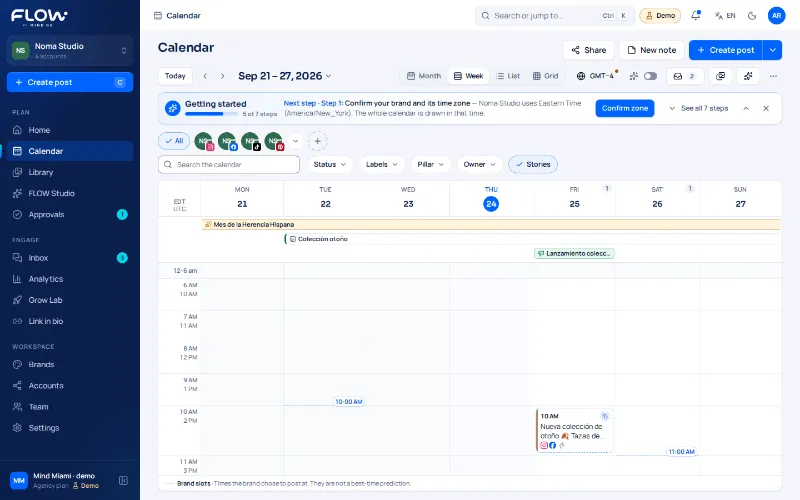
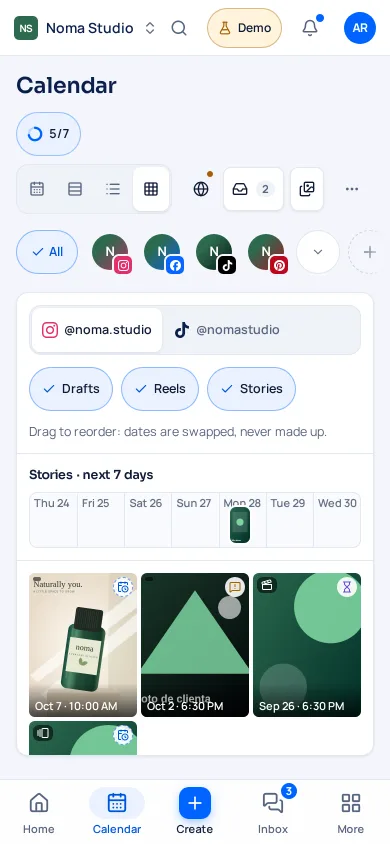
Demo 4 · Calendar
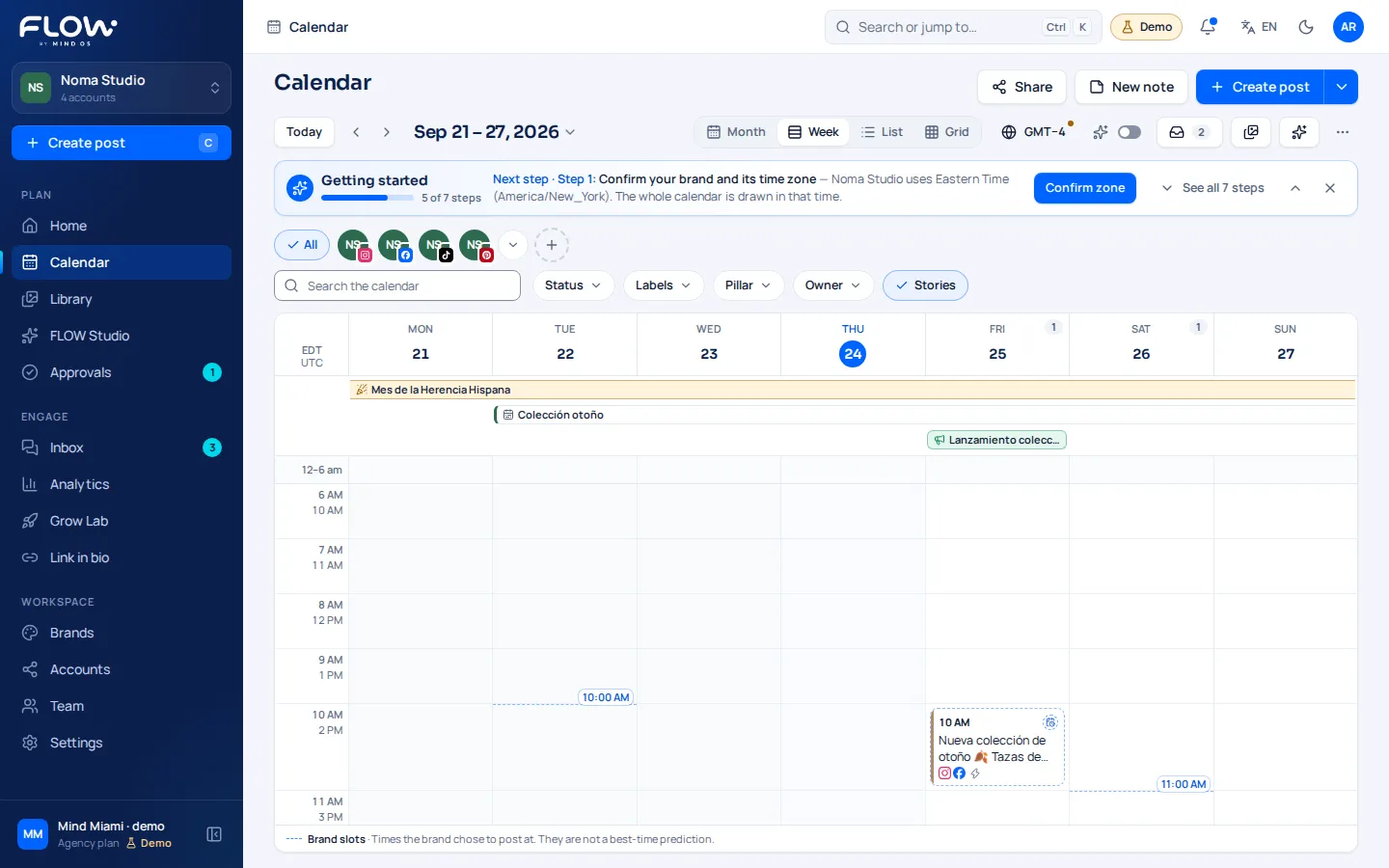
Real FLOW screenshot
Brand, network, status and owner in the same calendar, with month, week and list views and a keyboard alternative for rescheduling.
Each card shows its real status: what is in development, what comes later and what has already been proven.
Your whole week in view: brand, network, status and owner together.
Create one post for several accounts and adapt it to each network.
Instagram: publishing through the API was proven with one real post on Sep 29, 2026. On other networks, “schedule” leaves the post as Planned until they are verified.
Find the right asset, not another stray copy.
Feedback on the post. One clear version. Approving ≠ publishing.
Conversations tied to each brand, not a generic chat.
Real messages arrive once you connect your accounts (coming soon).
Metrics with context: source, period and coverage.
Real metrics require connected accounts (coming soon).
One link page per brand, connected to your posts.
The source of truth that travels with every post, not a forgotten PDF.
The right access for every role, without crossing brands.
Ideas and captions in your brand voice, always reviewed by a person.
Preparing isn’t publishing. Each network gets its own status.
Images and video with models via the Higgsfield API, from your brand context.
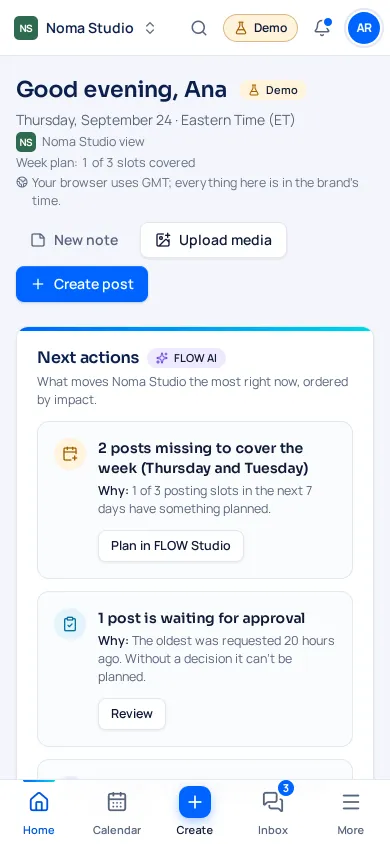
On mobile? Social Flow is a responsive web app that works in your phone’s browser. There’s no native app in the app stores.
Honest comparison
Later is an established product that already publishes to networks; Social Flow is under construction and gives access by invitation. We compare equivalent plans using Later’s pricing page:
| Later (public plans, Sep 28, 2026) | Social Flow (launch pricing) | |
|---|---|---|
| Real publishing | Yes, on the networks it supports. | Only Instagram, proven with one real post (Sep 29, 2026); the rest arrives as each network is verified with a confirmed post. |
| How you pay | Per social set (up to 8 profiles each). Starter caps posts at 30 per profile a month and Growth at 180; Scale has no cap. | Per brand and seat, with no post quota on any plan. |
| Approvals | Internal and external, from the Growth plan. | Team review and client approval by link, no account needed, from the Growth plan. Approving doesn’t publish: scheduling is a separate step. |
| Users on Growth | 2 users and 2 social sets. | 3 seats and 3 brands. |
| AI | Content tools with monthly credits per plan. | App in Spanish and English; AI assistant coming soon, with monthly credits per plan. |
Source: later.com/pricing, checked on September 28, 2026 (annual billing prices). We don’t compare quality or features that page doesn’t list. Social Flow status on the Transparency page.
Guided access: we review your request, set up your first brand with you and send your invitation.